Activate API for a user
Updated
Once you have invited your API user to an account you need to create API keys for them. Note that the API Secret is sensitive information that should not be shared.
- Login to Assently
- Go to Account Settings
- Navigate to the API tab
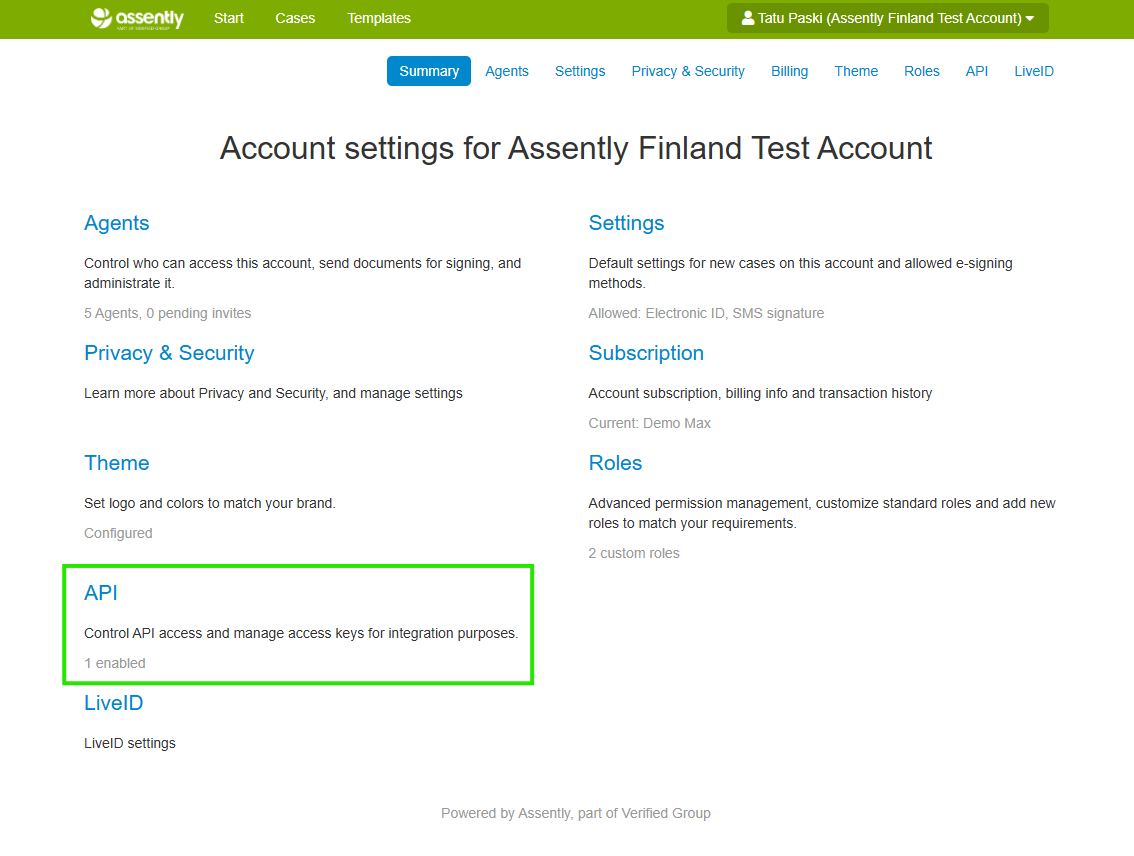
- Click Enable API Access button for the user

- Save details shown in the modal
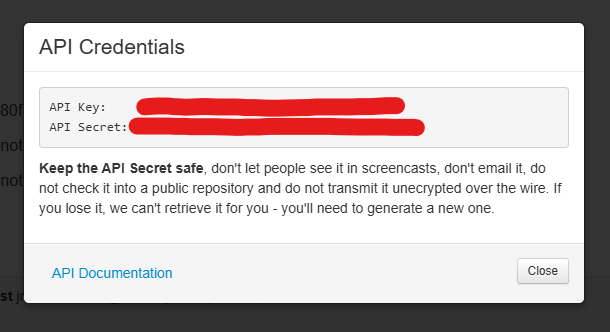
Note that API credentials are confidential and sharing them could potentially cause harm.