Can I choose in what way I sign?
Updated
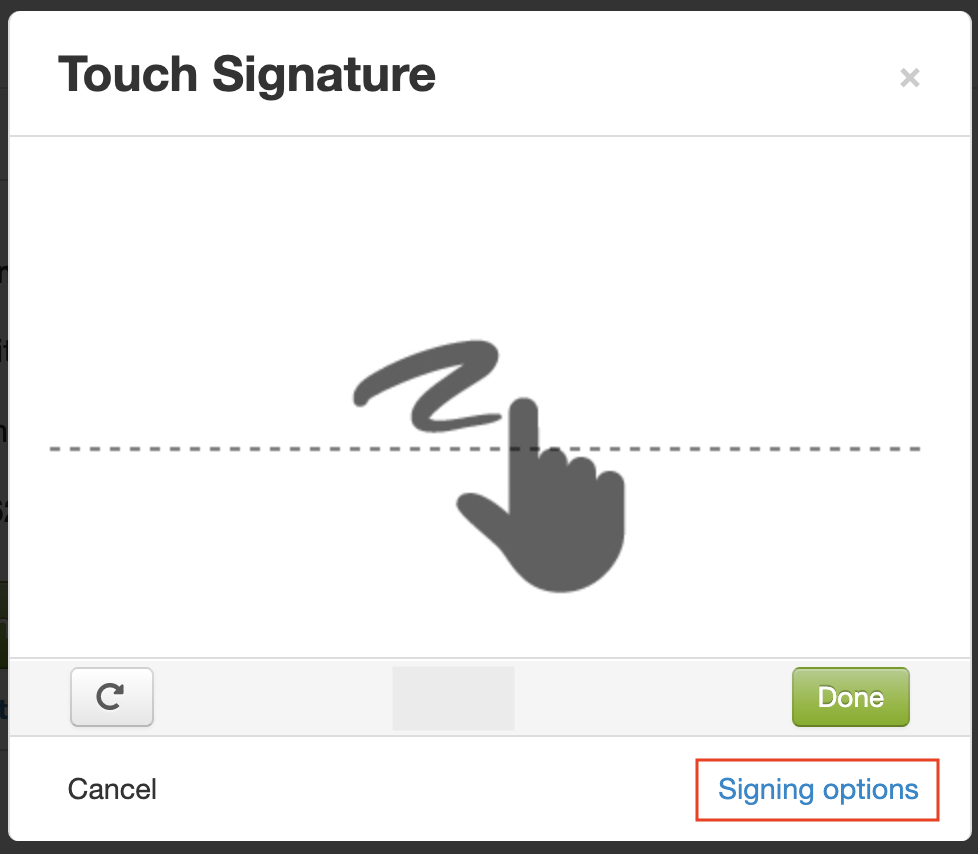
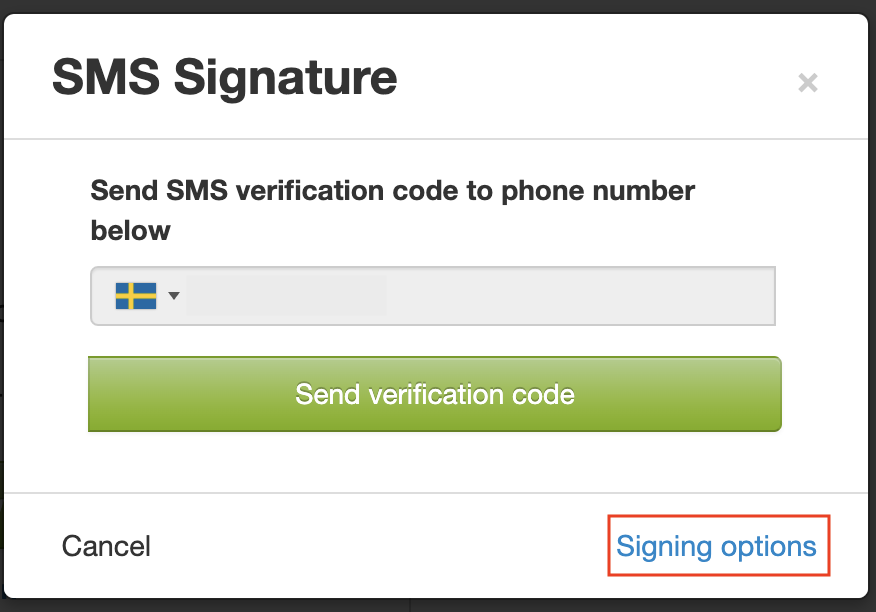
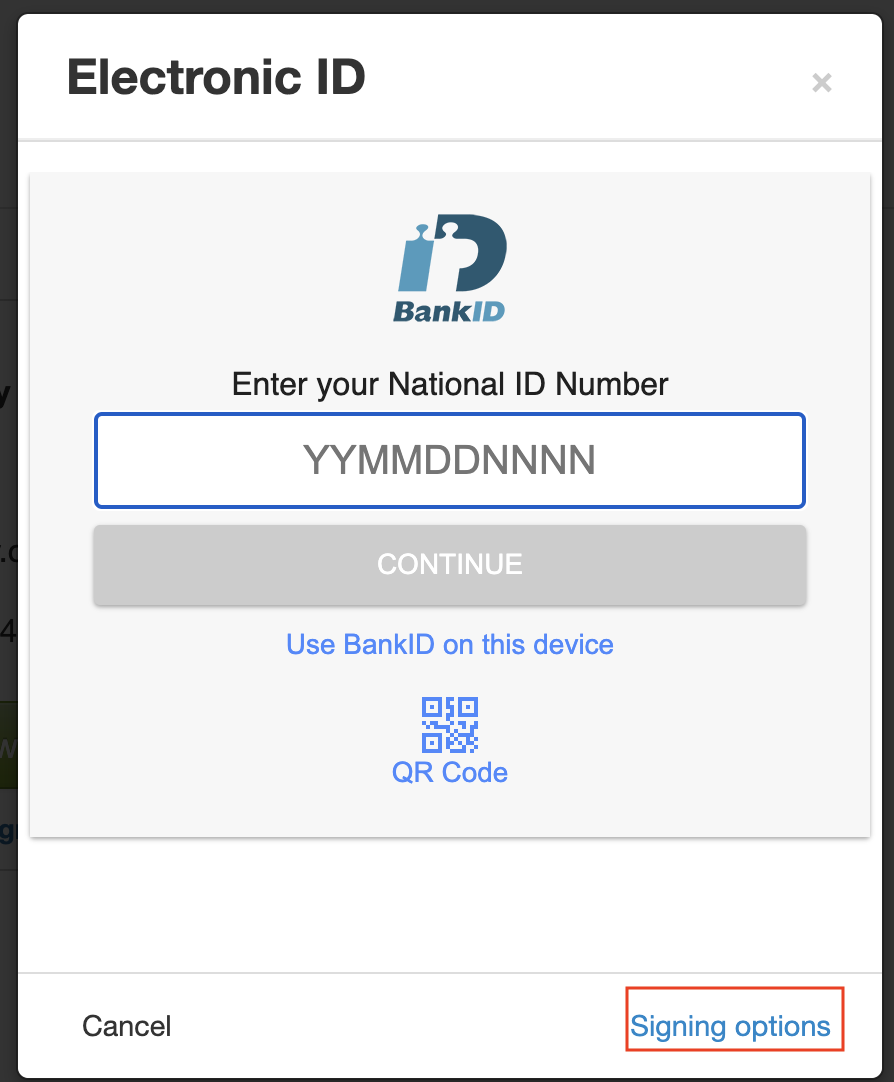
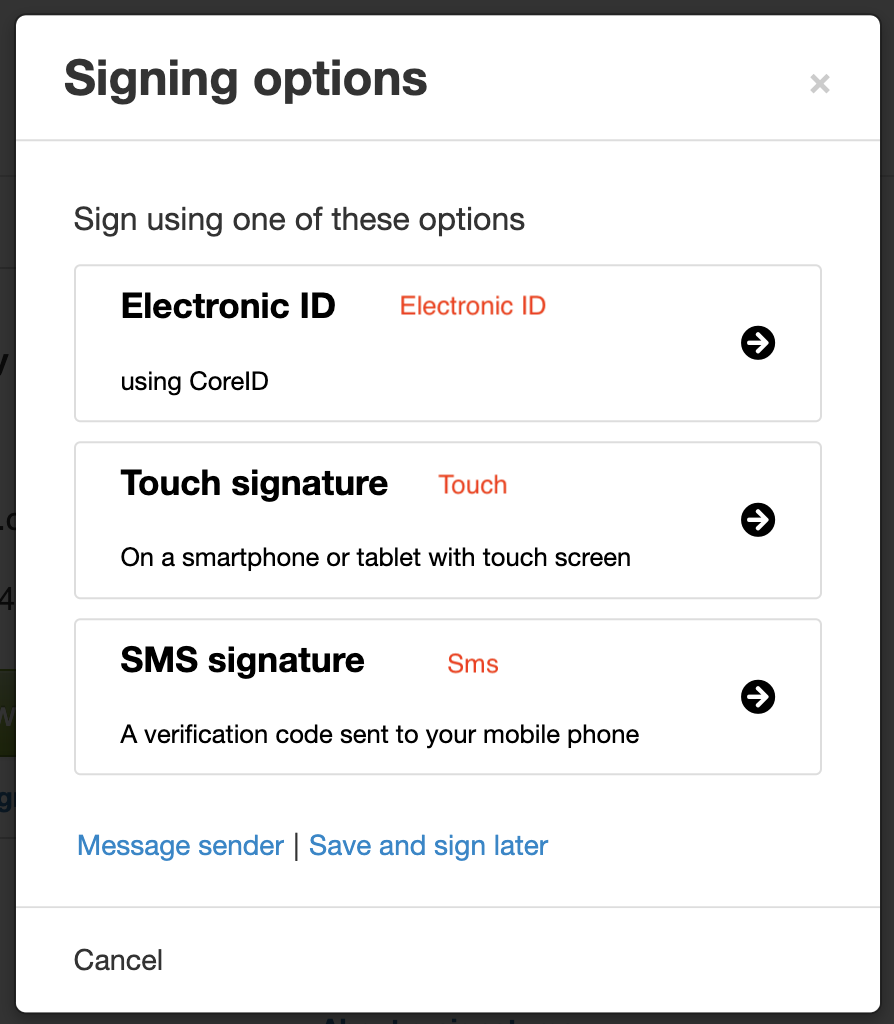
Several signing methods can be allowed on a case; e-ID, SMS and touch signature. Depending on which methods are allowed on the case, different methods will be the default:
- If e-ID is allowed, in combination with both or any of the other methods, e-ID will always be the first suggestion.
- If touch + SMS is allowed, SMS will be default if the case is opened on a device without touch screen, and touch signature will be default if the case is opened on a device with touch screen.
To choose another method, click "Signing options".
Here you can also read instructions about how to transfer a case from one device to another.
Please note that the different ways of signing that you can choose between are configured beforehand by the person sending the document.