How can I include National ID Numbers in callbacks?
Updated
- Go to Account Settings -> Privacy & Security.
- Enable “Include National ID Numbers in callbacks”.
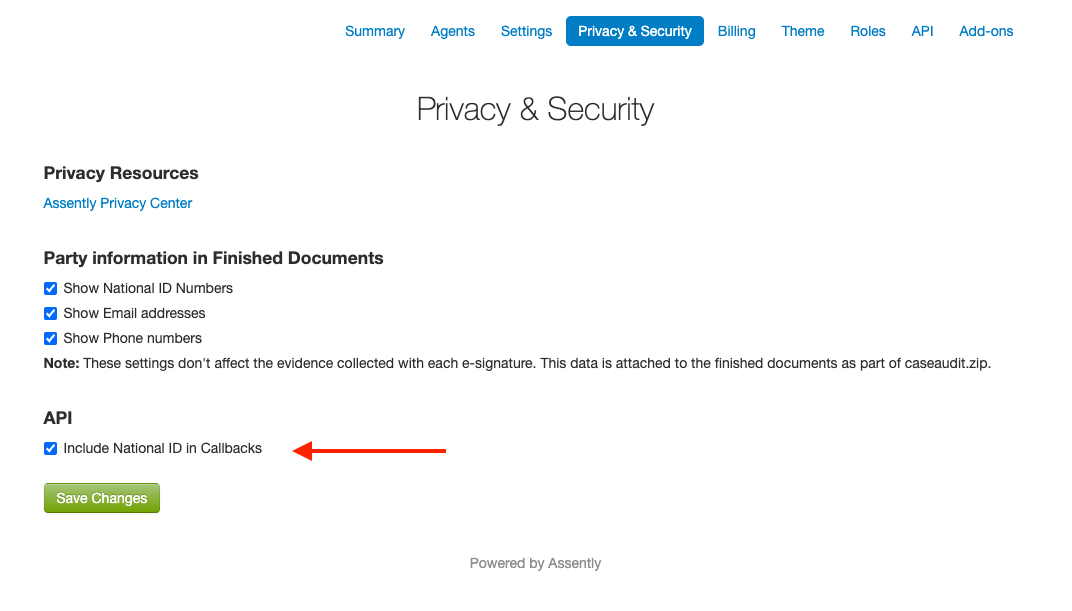
When this setting is enabled, the National ID Number is included in callbacks that you have set up for cases in this accounts. This only applies to e-signatures with electronic IDs that includes a ID Number, such as Swedish BankID (personnummer).
By default National ID Numbers are included in callbacks in Assently E-Sign.