Add/remove a person as Agent
Updated
Invite a colleague
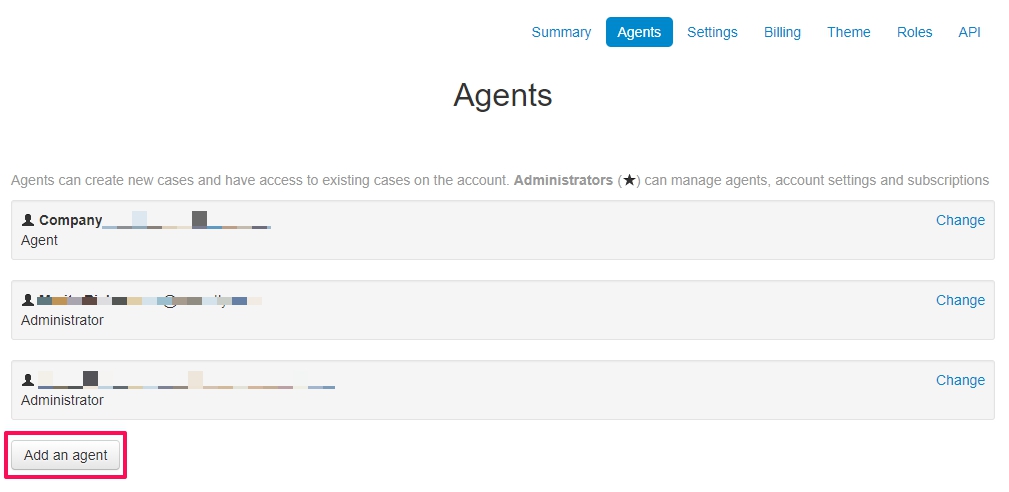
In Account Settings -> Agents you find Add an agent at the bottom.
Fill out the name of the new agent, their e-mail, choose a role and Invite.
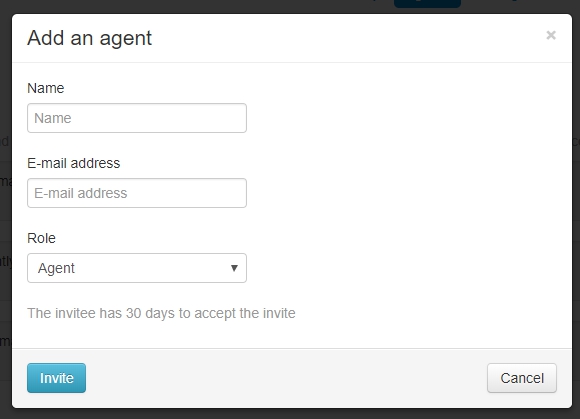
The new agent has 30 days to accept the invitation, and does so by clicking the link in the welcoming email and choosing a new password.
Please note! Adding an administrator can involve an additional cost. Review your agreement if you are unsure.
Delete/change the role of an agent
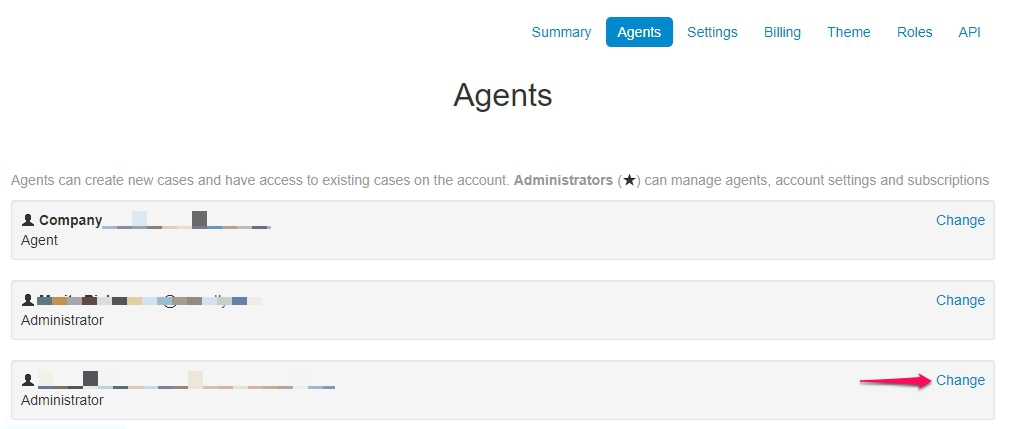
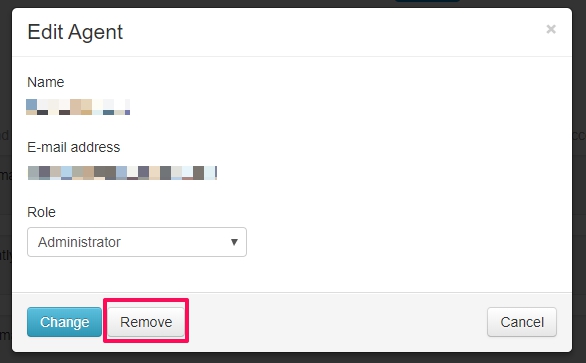
Do you want to remove a colleague as an agent? Click Change next to the agent's name. You can either remove the agent or change the role.