Party Attachments
Updated
With Party Attachments you can let the first party that signs a case attach one or several documents to the case before signing. The party attachment will be part of the documents that all parties sign.
Note
- For cases with more than one party you need to enable signing order to use party attachments.
- For Web Automation, the file size of party attachments are limited to 15 MB per document.
How to add a party attachment placeholder
Agents creating and editing cases and templates can add party attachment placeholders. The first party can attach one document per party attachment placeholder.
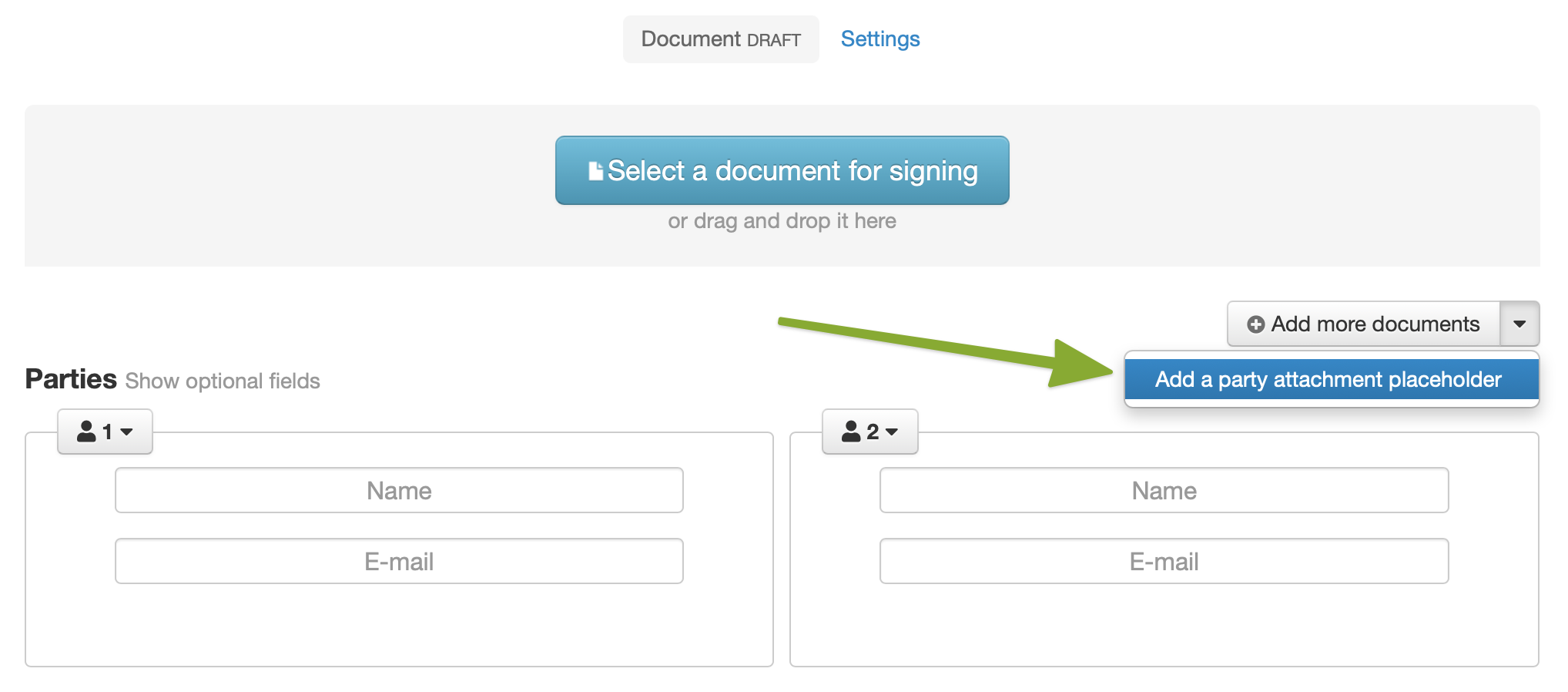
- Choose "Add a party attachment placeholder" from the "Add more documents" menu on the case or template.
- Give the party attachment placeholder a title (optional) to let the party know what kind of document they can attach before signing the case.
Mark if it should be required to upload a party attachment or leave it optional.
Add more party attachments if needed.
How to attach a document
The first party that signs a case can attach one document per party attachment placeholder.
-
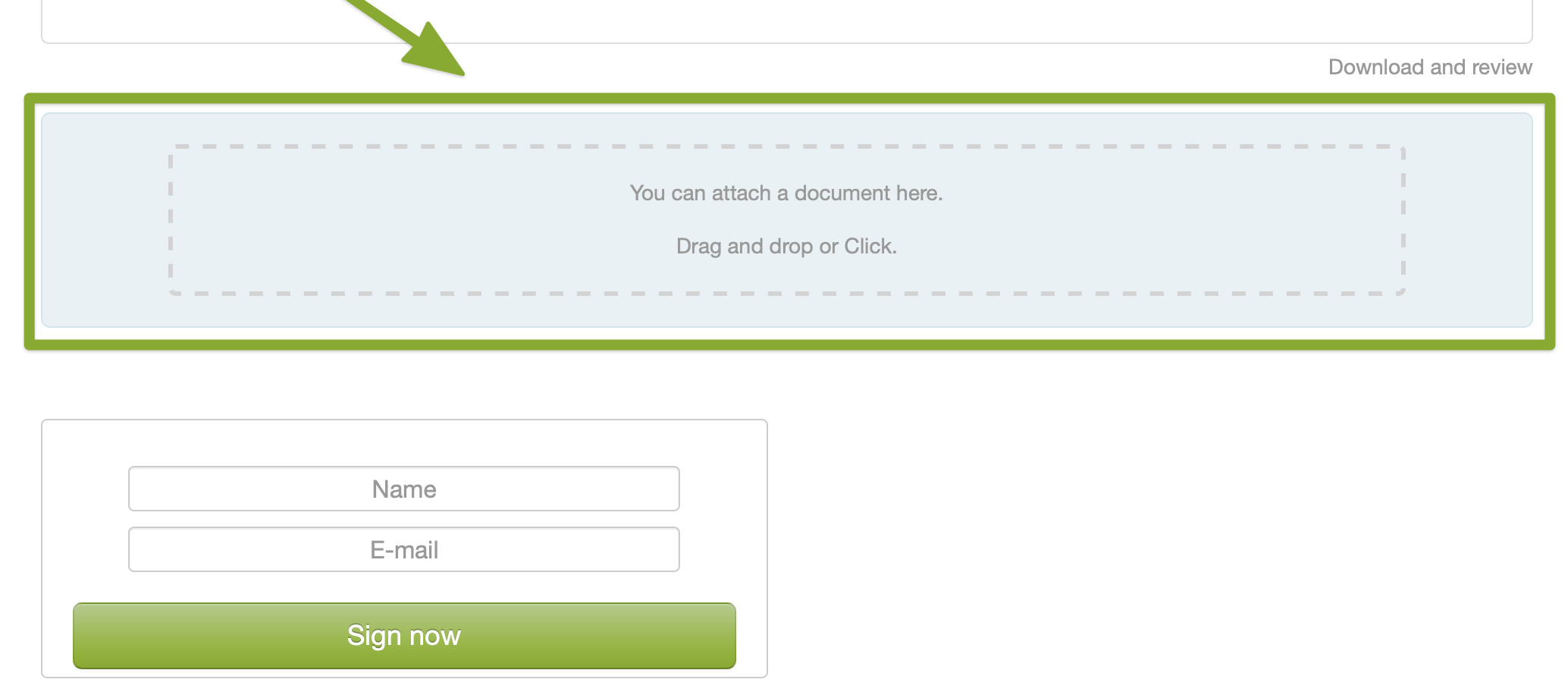
Choose a document by using the file browser, or drag and drop a file onto the drop zone.
-
Review the attached document before you sign the case.
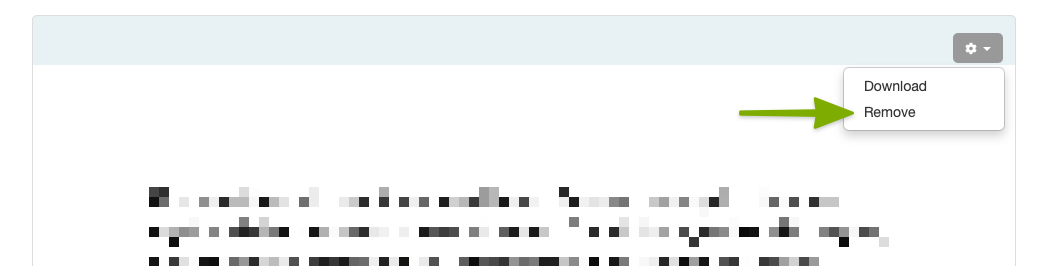
If you need to replace the attachment, you can Remove it from the menu and choose another document.