How can I choose the language for the interface in Assently?
Updated
For you who's been invited to sign
Language settings for the e-signing interface is chosen automatically based on the language settings in your web browser.
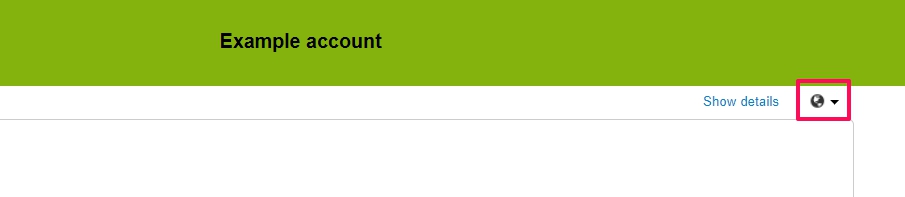
If you want to choose another language you can select one among the languages under the globe symbol in the top right corner. This setting is saved in your web browser. If the setting doesn't stick you can try to clear your web browser history and cache.
For agents in the Web Office
For agents working in the web office you can choose your preferred language in the settings for your profile.