Setting up Case Retention (automatic deletion of cases)
By default, cases are saved until you delete them.
If you want that the finished cases to be deleted automatically after a specific number of days, you can set up a retention period. You can configure the retention period on an account level or a template level.
Cases created through web automation get automatically deleted when they expire. (If no expiry setting has been made they will expire after seven days. Note that web automation cases are not visible in the web office until they have been signed.)
Account Level
To set a retention period for all new templates and new cases you can make the configuration on an account level.
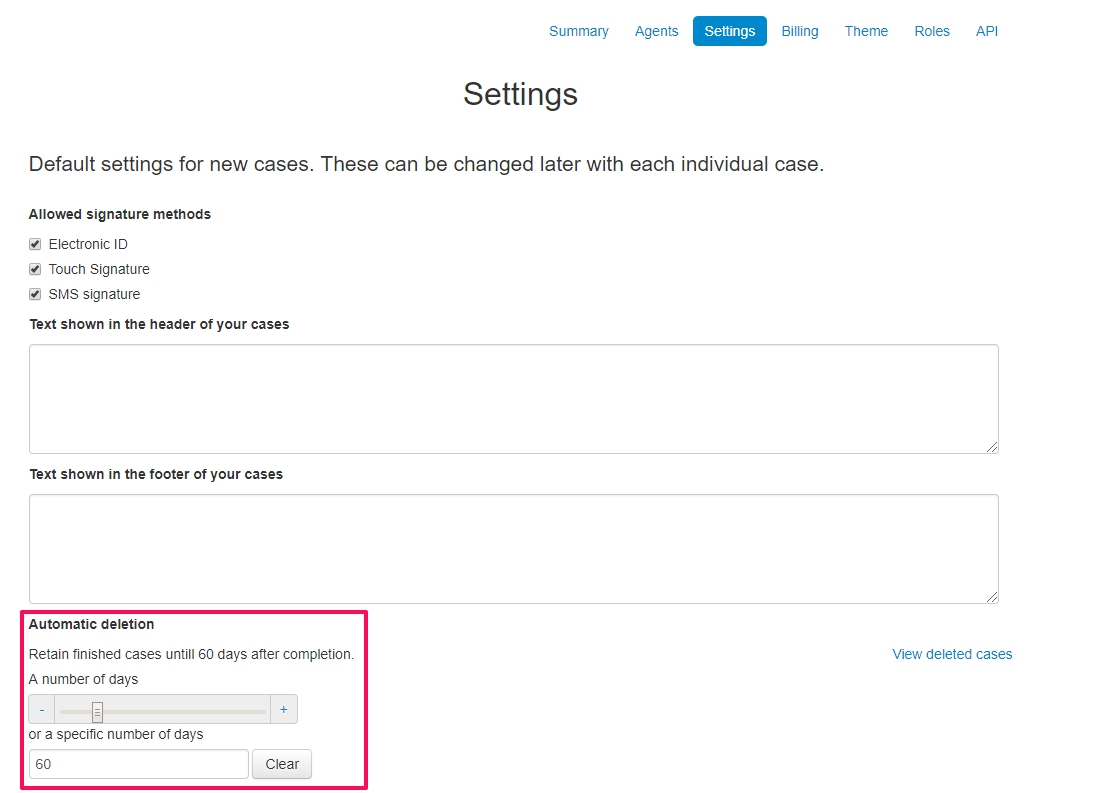
Go to the account settings and click settings. Configure the number of days under Automatic deletion.
The retention period will apply to any new templates (all types: document, form and e-delivery) and new cases created, unless created from a template. It will not affect existing templates or cases.
NOTE. If you use the Account Default Template, you configure the retention period there. Settings on the Account Default Template will be applied to all new templates and cases, except to cases created from another template.
Template Level
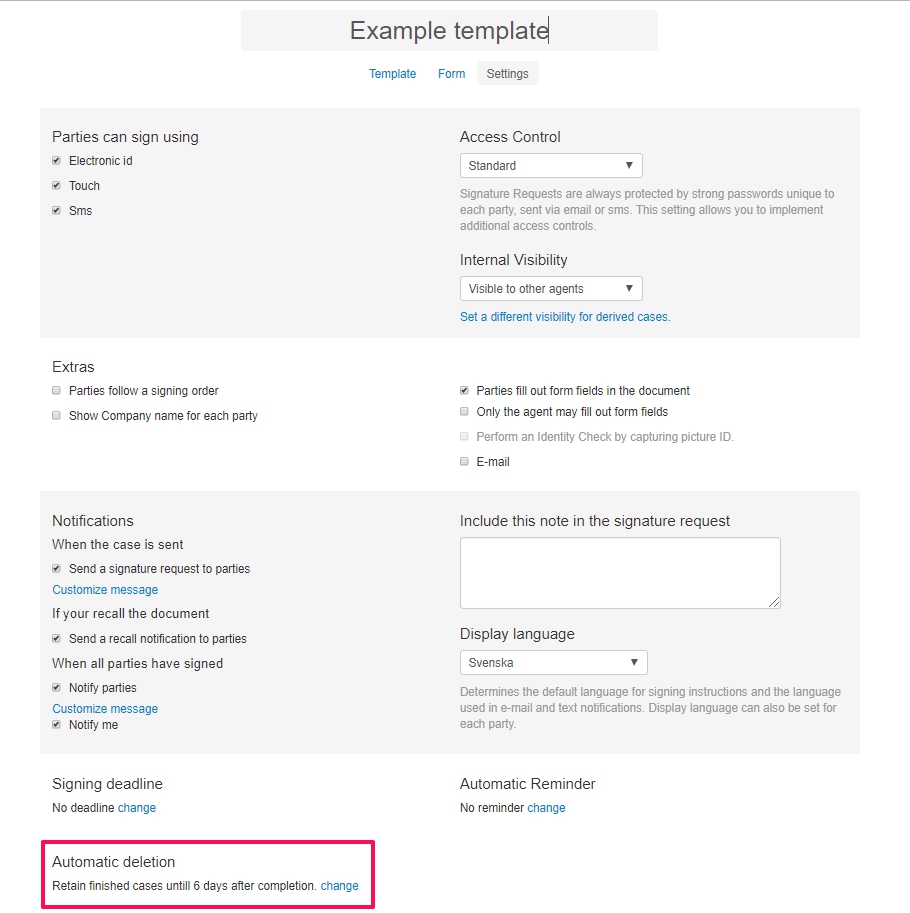
You can set a custom retention period for a specific template. Go to the template's settings and configure the period under Automatic deletion.