How do I delete a Template?
Updated
Delete a Template
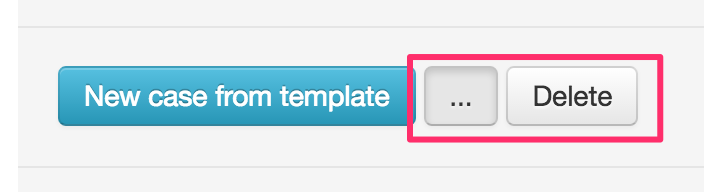
Go to the template you want to delete and choose Edit Template. Once in the template choose Delete at the bottom of the page. You need to first hit the button with three dots.
If the template is activated for Web automation, you first need to deactivate that function.