Change role/permission
Updated
You can change the role/permission of an agent at any time. Only an administrator on the account can do this.
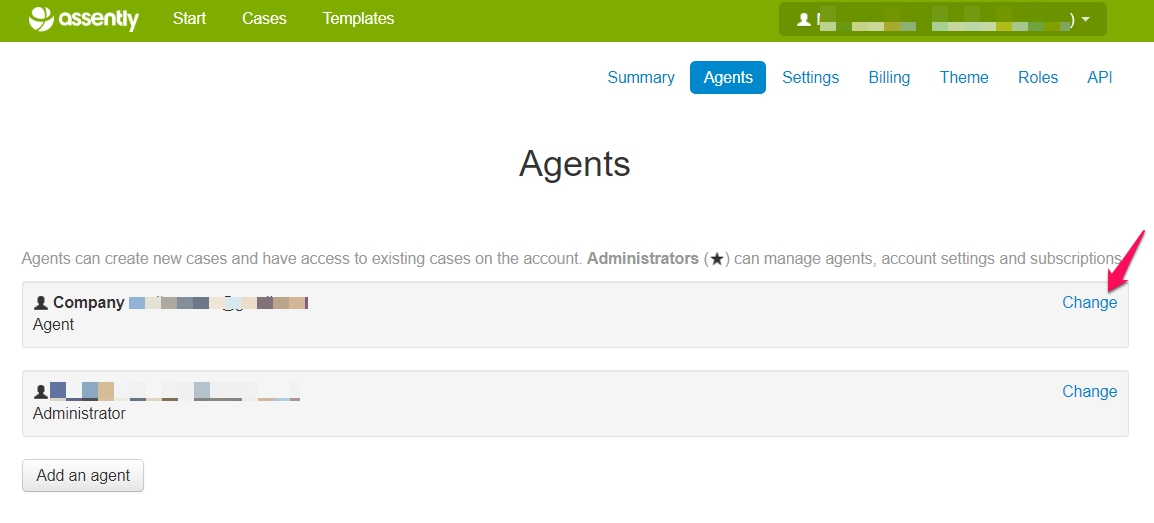
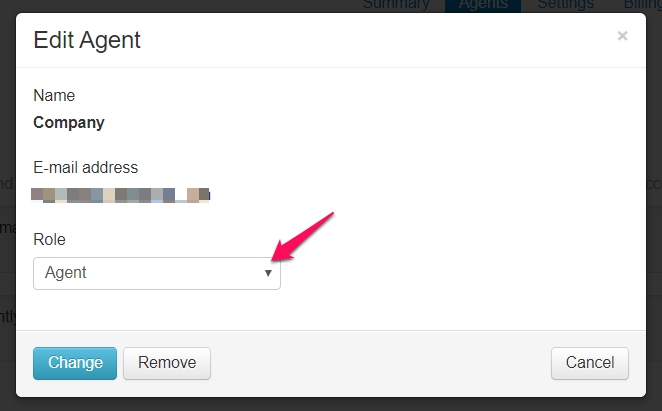
To change role on an agent go to: Account settings> Agents> Specific agent> Change> Role
You can also modify the different roles to suit your needs.