Download all cases from a Template
Updated
You can download all cases that were created:
- from a specific template
- during one given month
If the template contains form fields, you can also download the captured form data as an Excel or CSV sheet.
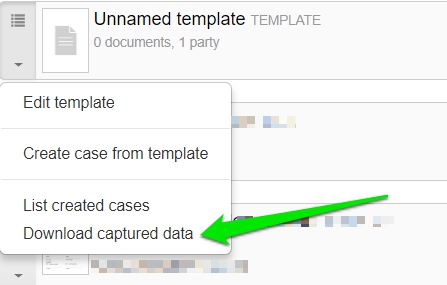
Go to Templates, click the small drop down menu for the template and choose Download captured data.
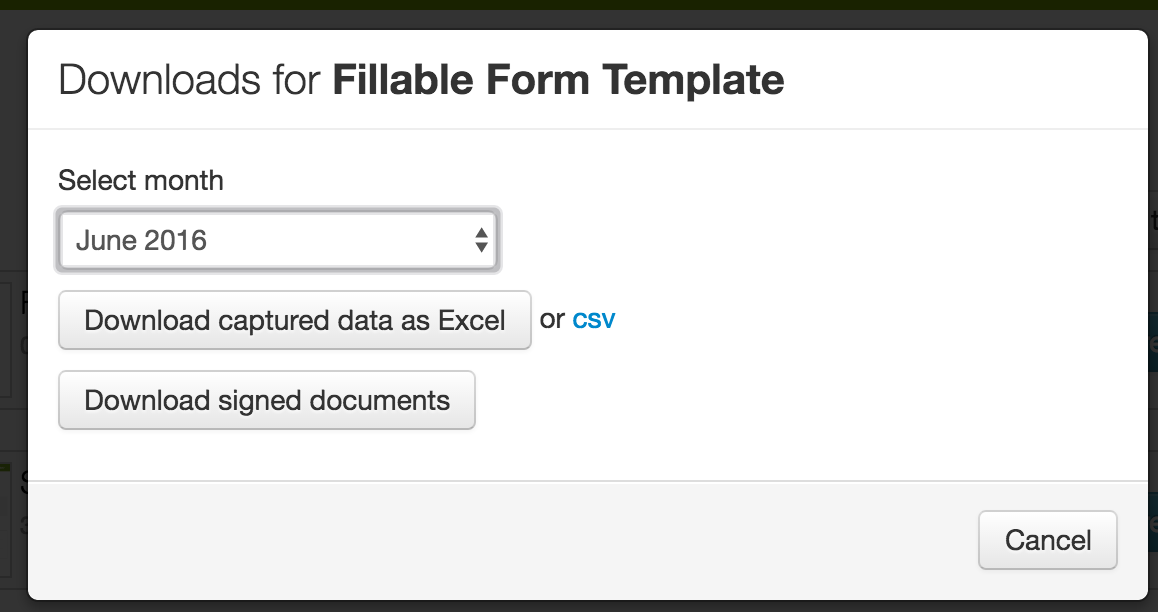
Choose month, then choose if you want to download all signed documents, or if you wish to download the captured data as Excel or CSV.
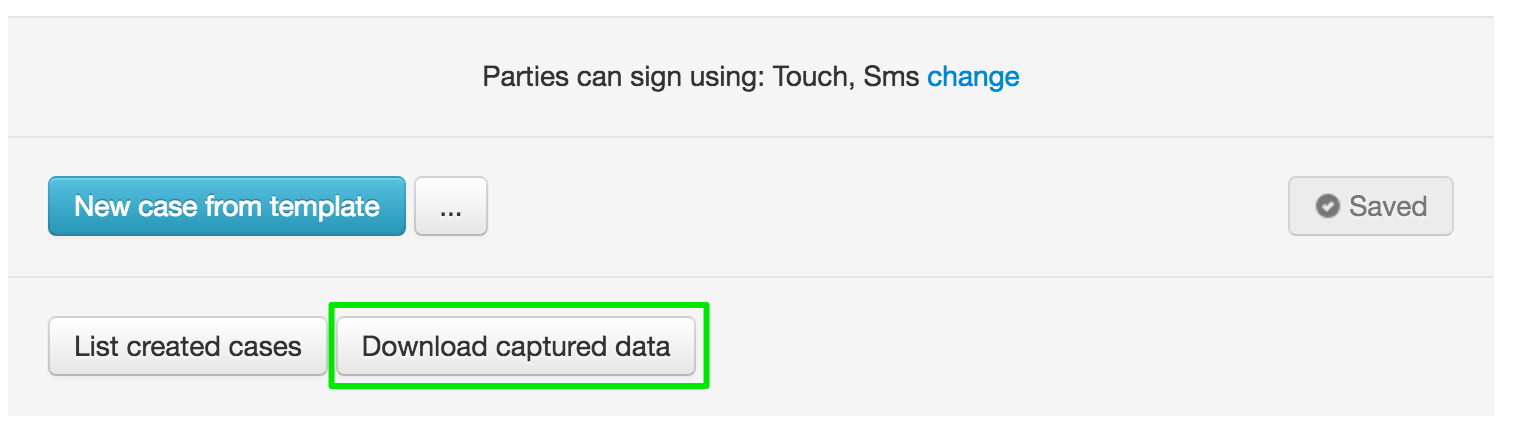
You can also find the button for Download captured data at the bottom of the edit-view for the template.
You also have the possibility to download cases through API calls.