How do I sign multiple cases at once?
Updated
When there are several cases that are pending your signature, you can see a list of them and sign them together in a batch.
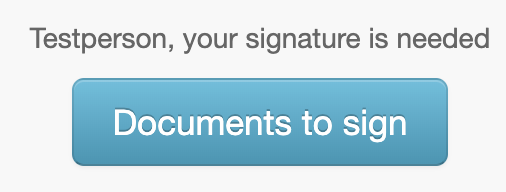
1. Choose "Documents to sign" at the top of the start page to see the list of cases.
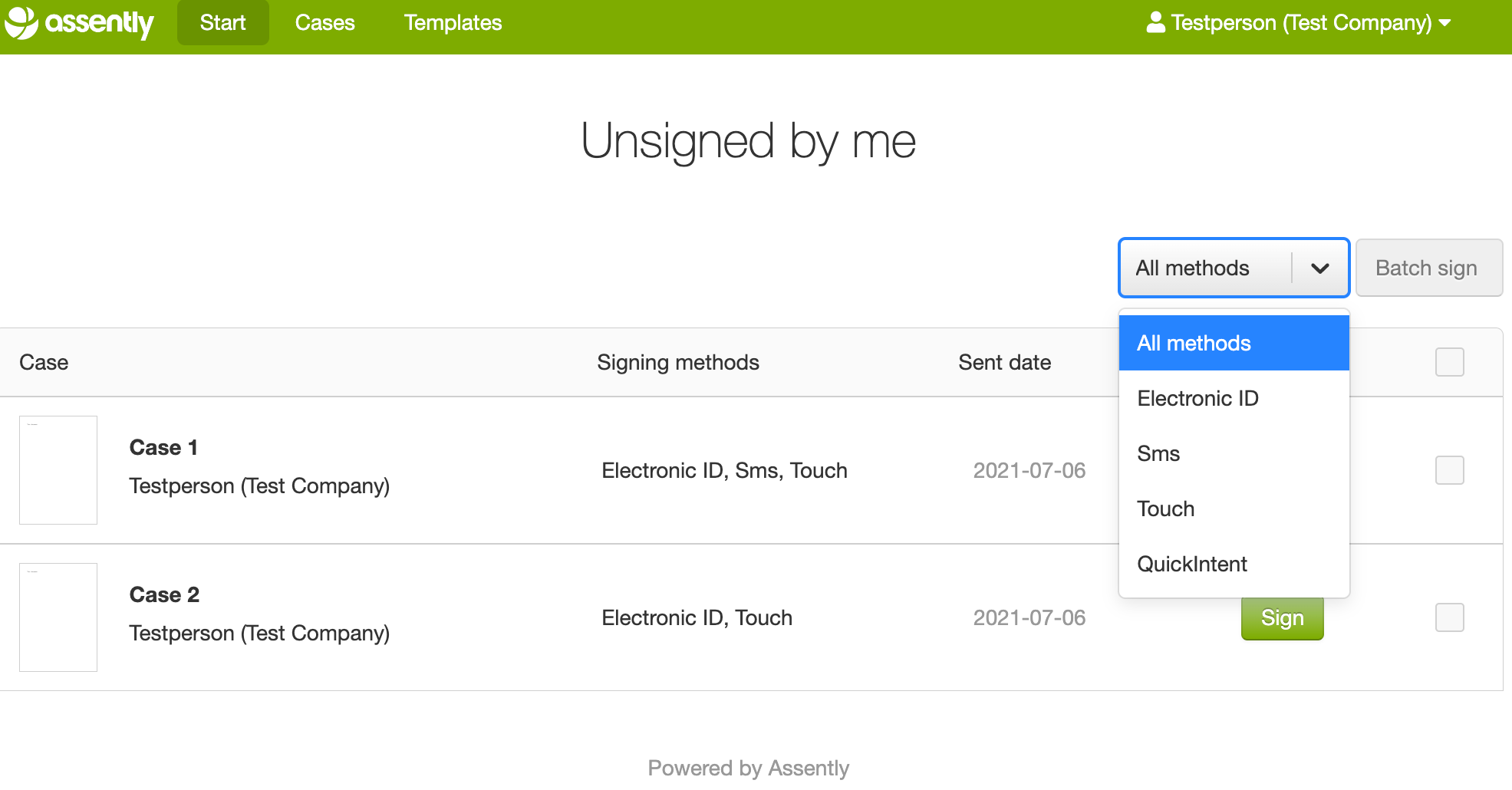
2. Choose a signature method from the "All methods" drop down menu.
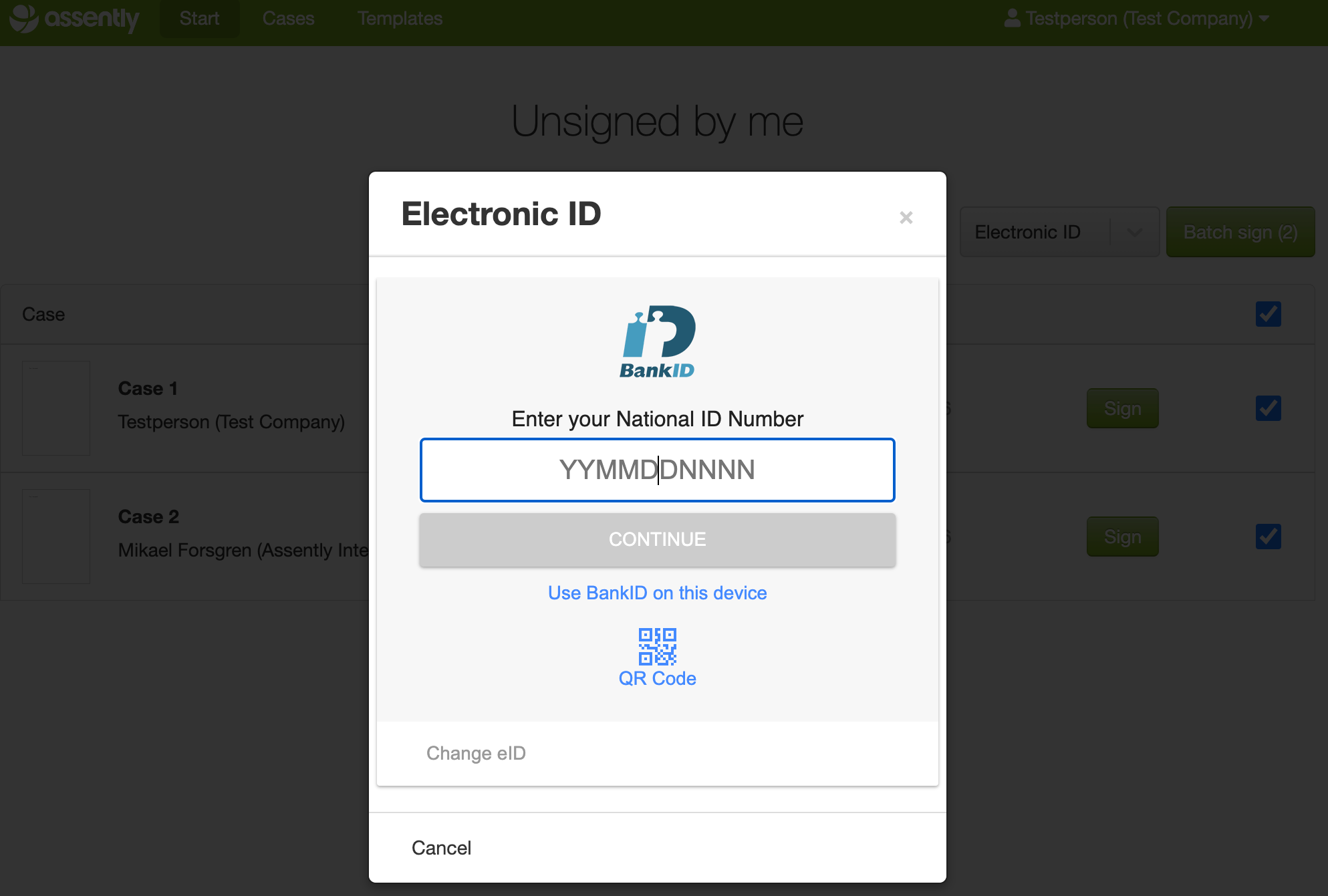
3. Select the cases using the checkboxes.
4. Choose "Batch sign".
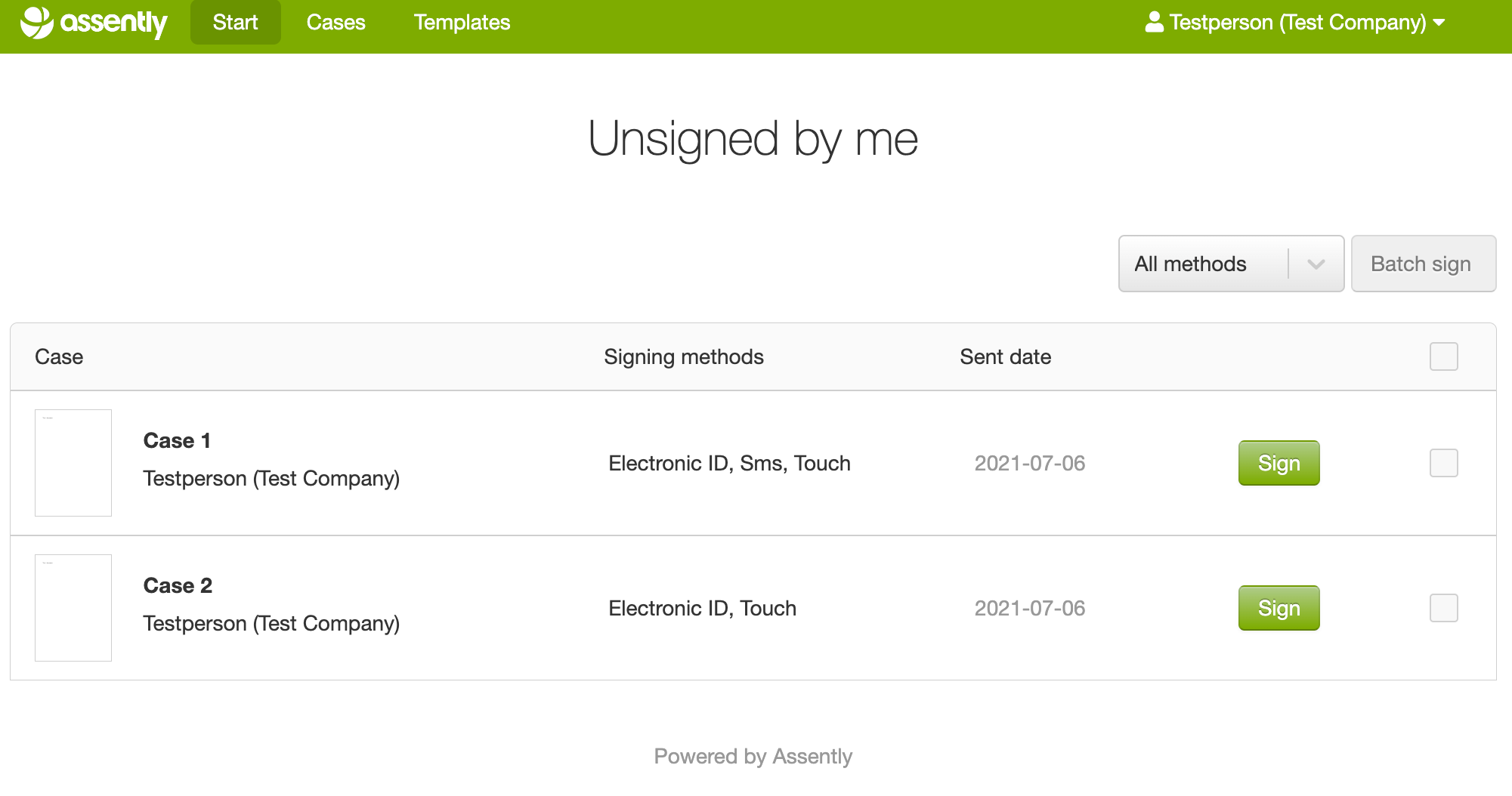
You can also review and sign each case individually by choosing the "Sign" button for each case.
Note: you will only be able to find cases to batch sign where you are a signing party created after your email was validated in the system at the time you became an agent in the system.