Allowing multiple signing methods
Updated
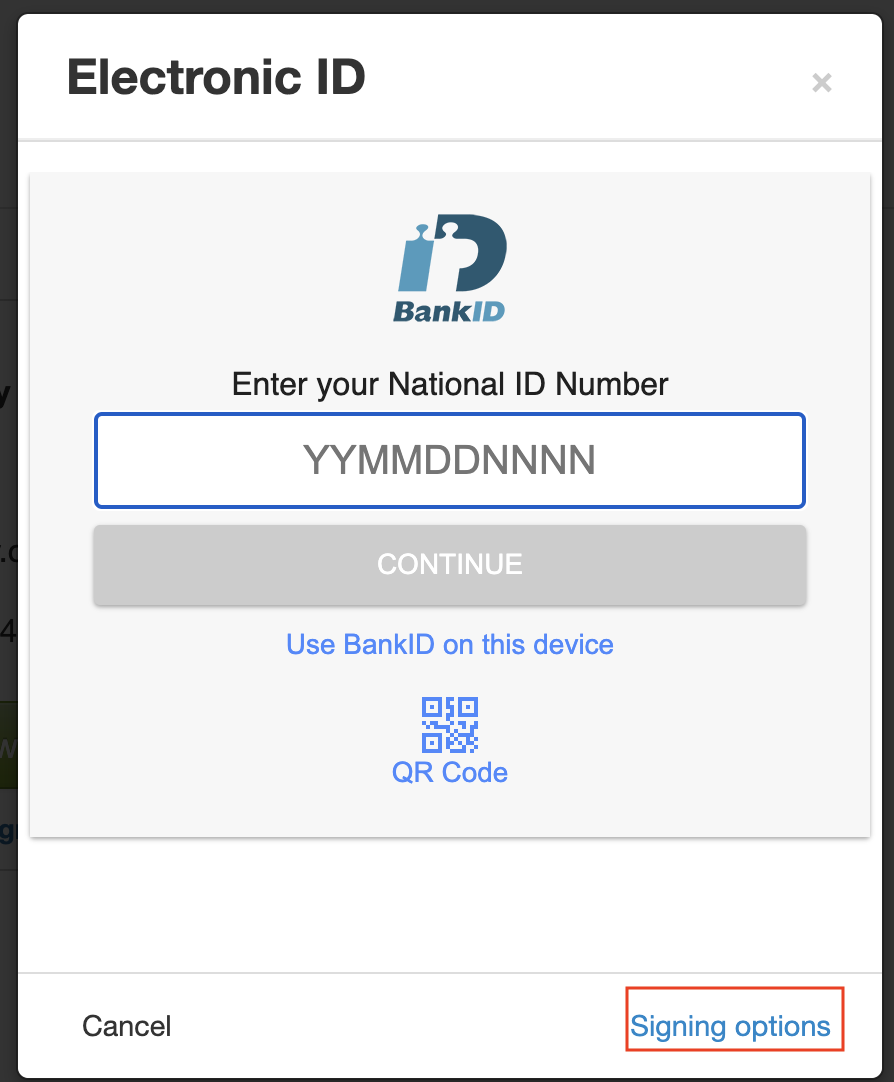
You can allow several signing methods on a case; e-ID, SMS and touch signature. Depending on which methods are allowed on the case, different methods will be the default:
- If e-ID isallowed, in combination with both or any of the other methods, e-ID will always be the first suggestion.
- If touch + SMS is allowed, SMS will be default if the case is opened on a device without touch screen, and touch signature will default if the case is opened on a device with touch screen.
To choose another method, or to see which methods you can sign with, select the blue text "Signing Options" (highlighted), then you will be taken to the Signing Options home page.
Touch: Electronic ID:
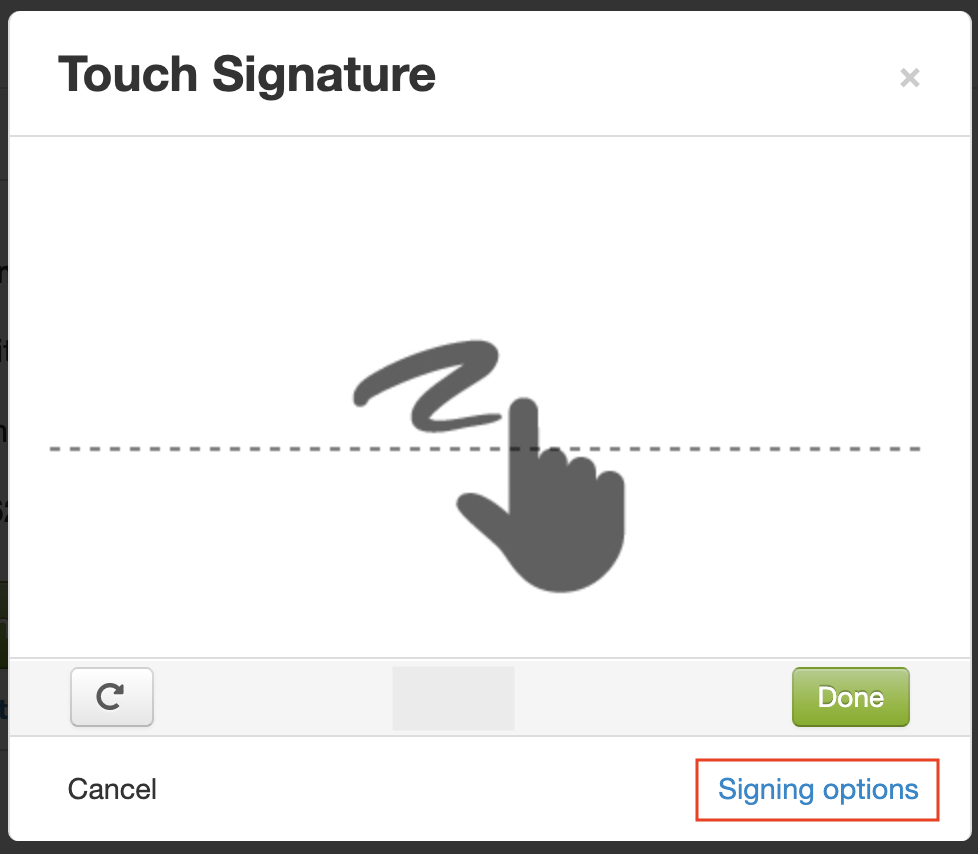 .
. 
Sms: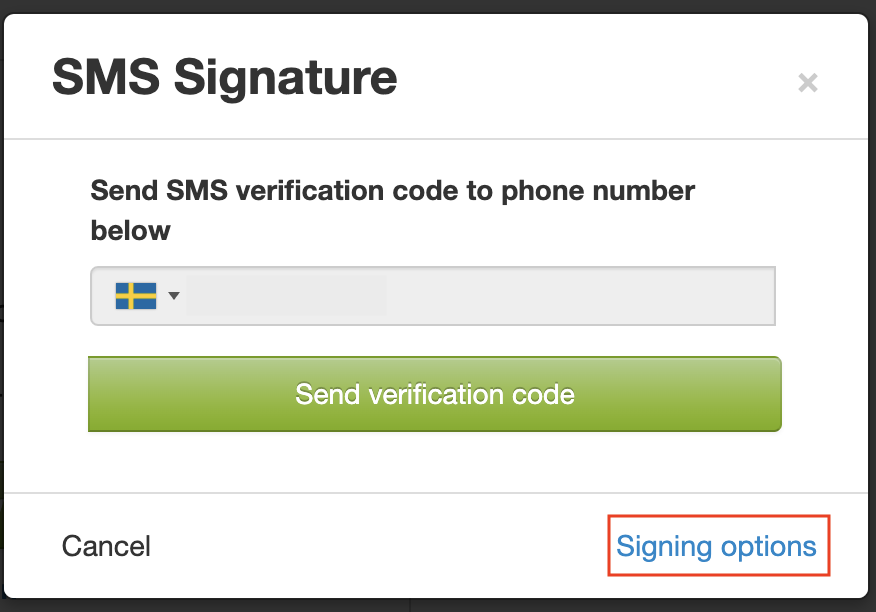
You can see on the start page for Signing options which other methods you can use to sign this particular case.
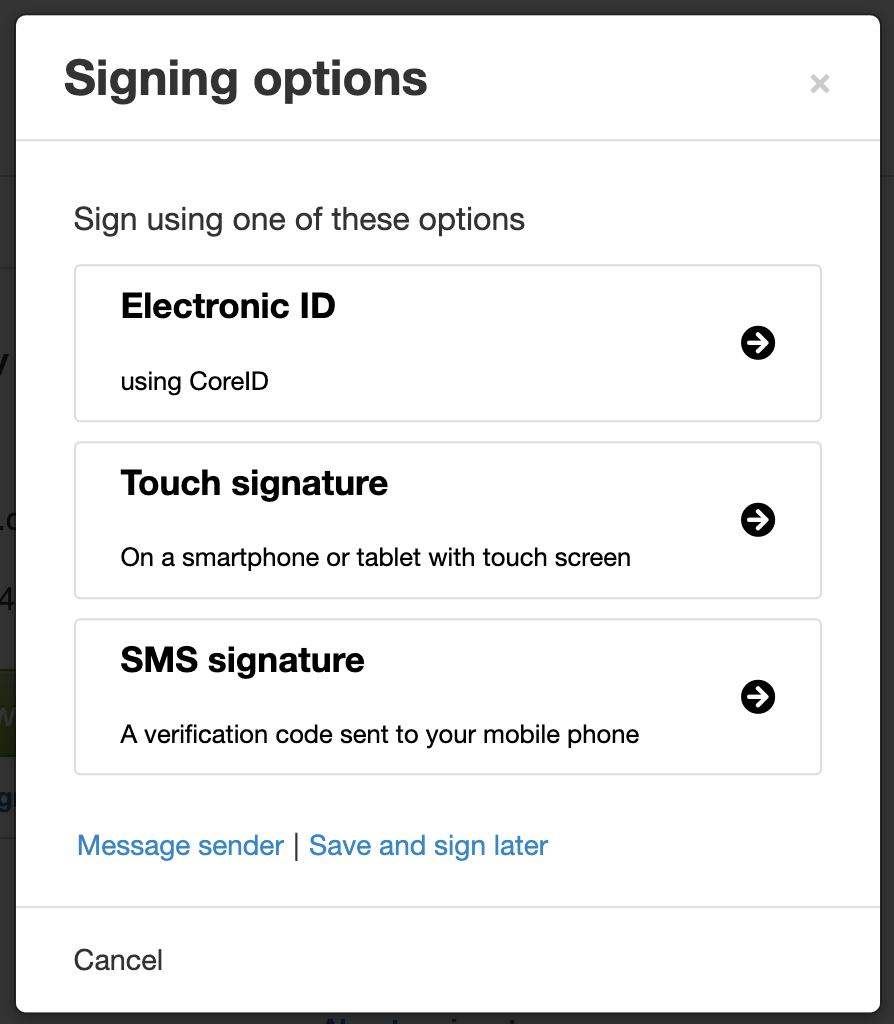
You can also find instructions on how to transfer a case to another device that has your electronic ID or a touch screen.