I want to recall a case
Updated
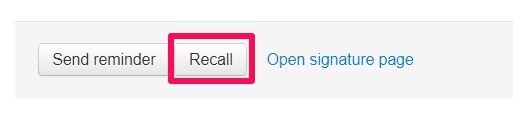
To recall a case, simply choose "Recall". The case will go back to draft-mode, and you can edit it or delete it completely.
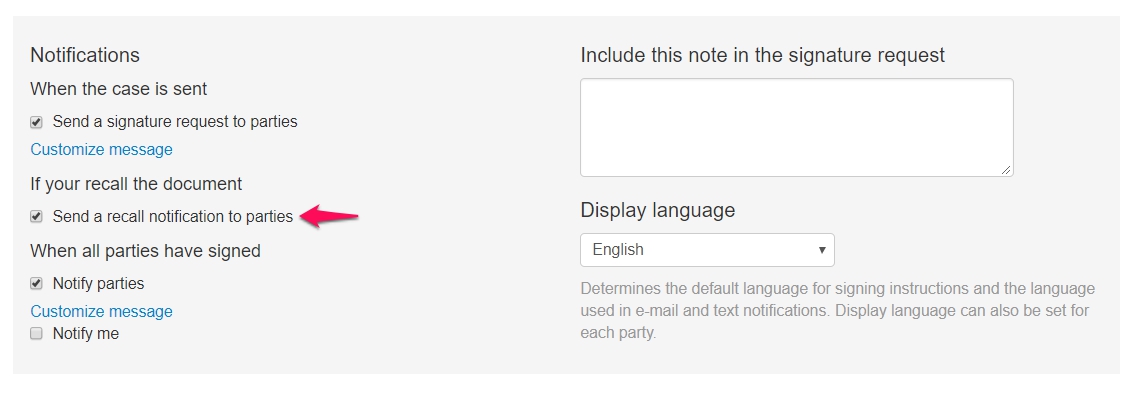
The signing parties will get a notification about the recalled case if you configured this function in the settings when creating the case.
Note! If the case you recall contains a fillable PDF or a HTML-document (also called "Smart template") you will not be able to edit this document after recalling it if one or more parties have signed the case. This is because the document locks down after the first party signs a case. You will then need to recall the case, delete it and create a new case and fill out the information again.